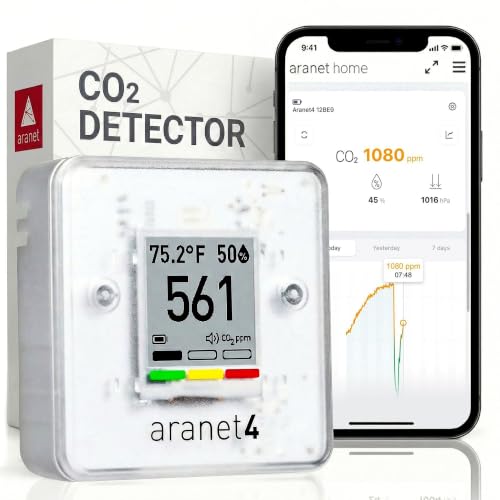
How to Use a CO₂ Monitor in a Home Office
One person, a closed door and a laptop: 1,000 ppm within the hour. A monitor across the room and a rule about the door fix it.
Read Guide→Research-based buying guides that compare the leading options by documented specifications, real use cases and value.
One person, a closed door and a laptop: 1,000 ppm within the hour. A monitor across the room and a rule about the door fix it.
Read Guide→Place it away from the pillow, read the morning peak, then adjust the door and window until it stays under 1,500.
Read Guide→
Continuous power, honest export, calibration you control, and memory or cloud that will not lose the data.
Read Guide→Portable for surveys, travel and one monitor across many rooms; fixed for a permanent record in one place.
Read Guide→Two thresholds, a delay, a quiet night mode, and one alert that reaches the person who can open a window.
Read Guide→Bluetooth for battery life and privacy; Wi-Fi for remote alerts and long logs. Decide by where you will read it.
Read Guide→Get the CSV out, get it into a spreadsheet, and read the four shapes that matter.
Read Guide→Two measurements from one chart: the plateau tells you fresh air per person; the decay tells you air changes per hour.
Read Guide→Put every spec on the same footing: fixed plus percentage, at the same ppm, under the same conditions.
Read Guide→Breathing height, interior wall, a meter from people, away from vents and windows. Room-by-room placements.
Read Guide→Read the listing, look for the module, then do the sanitizer test. Three checks before you trust a number.
Read Guide→Check the monitor, check the placement, read the trend, then apply the bands. A four-step routine.
Read Guide→